Markdown in your terminal. Fast.
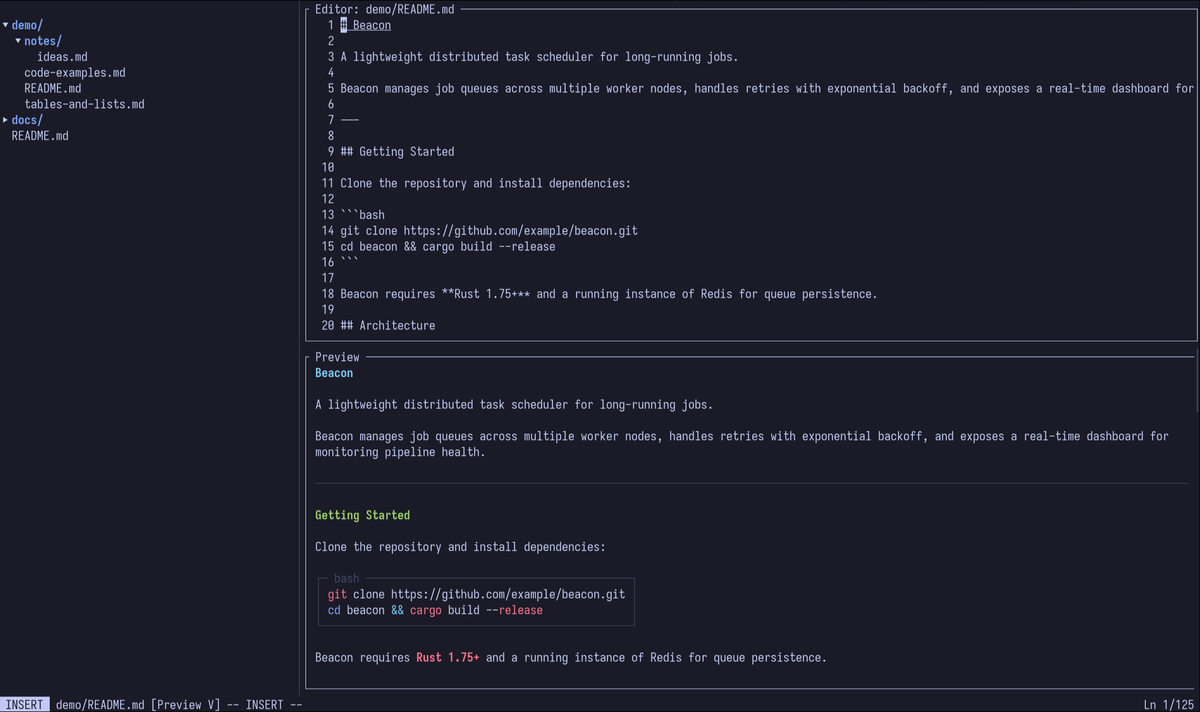
A terminal-based markdown viewer and editor with vim keybindings, live preview, syntax highlighting, and a file browser. Built with Rust.
cargo install mdtui 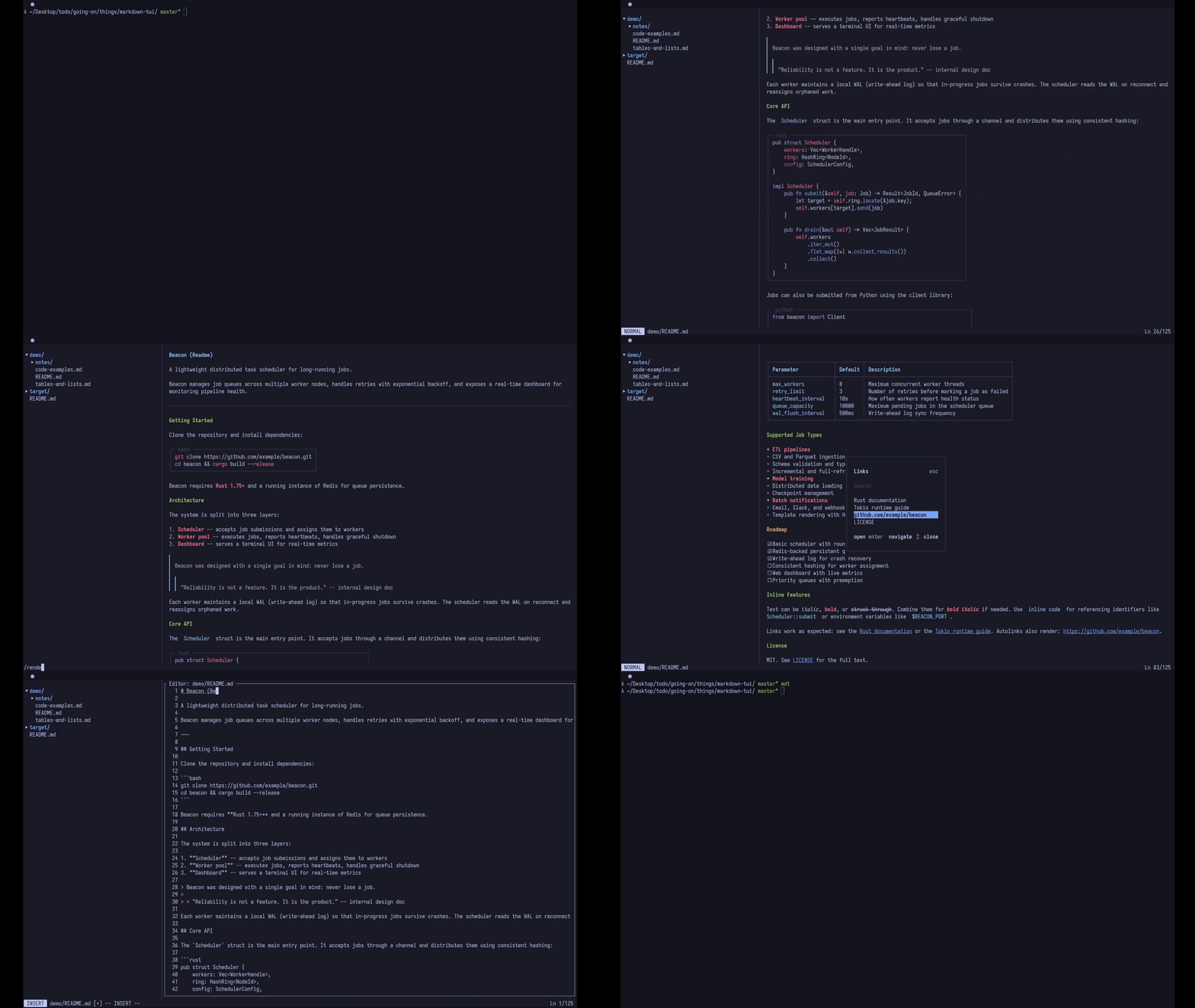
A terminal-based markdown viewer and editor with vim keybindings, live preview, syntax highlighting, and a file browser. Built with Rust.
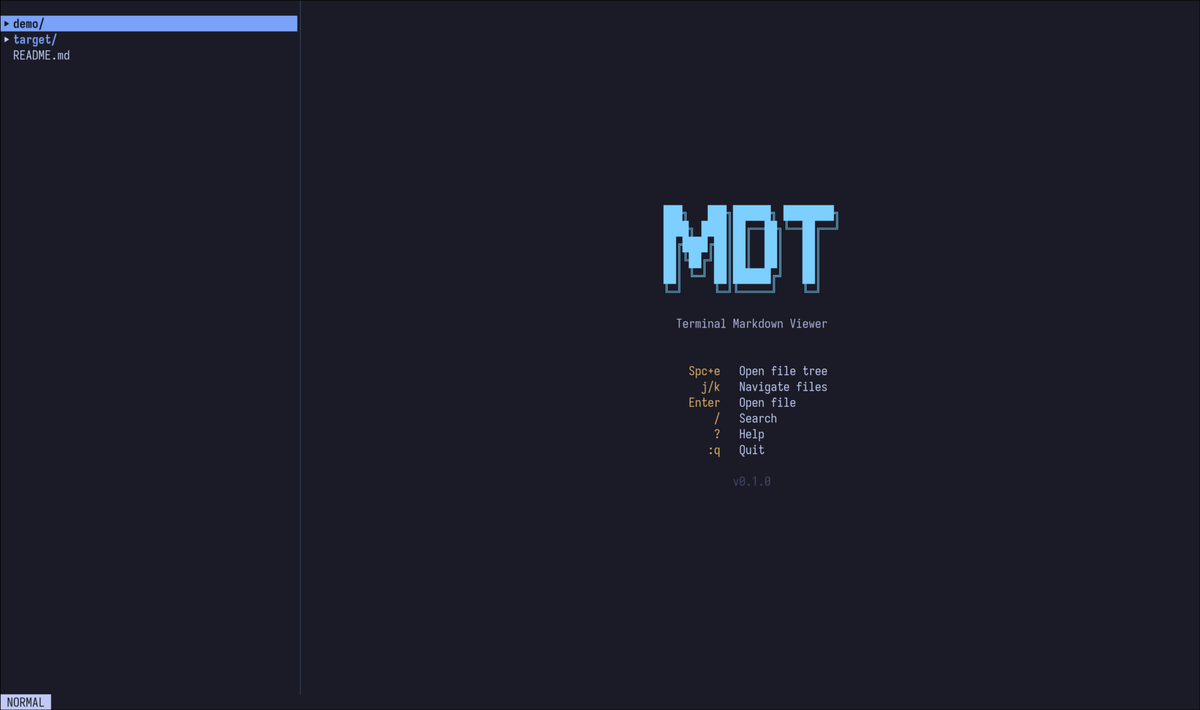
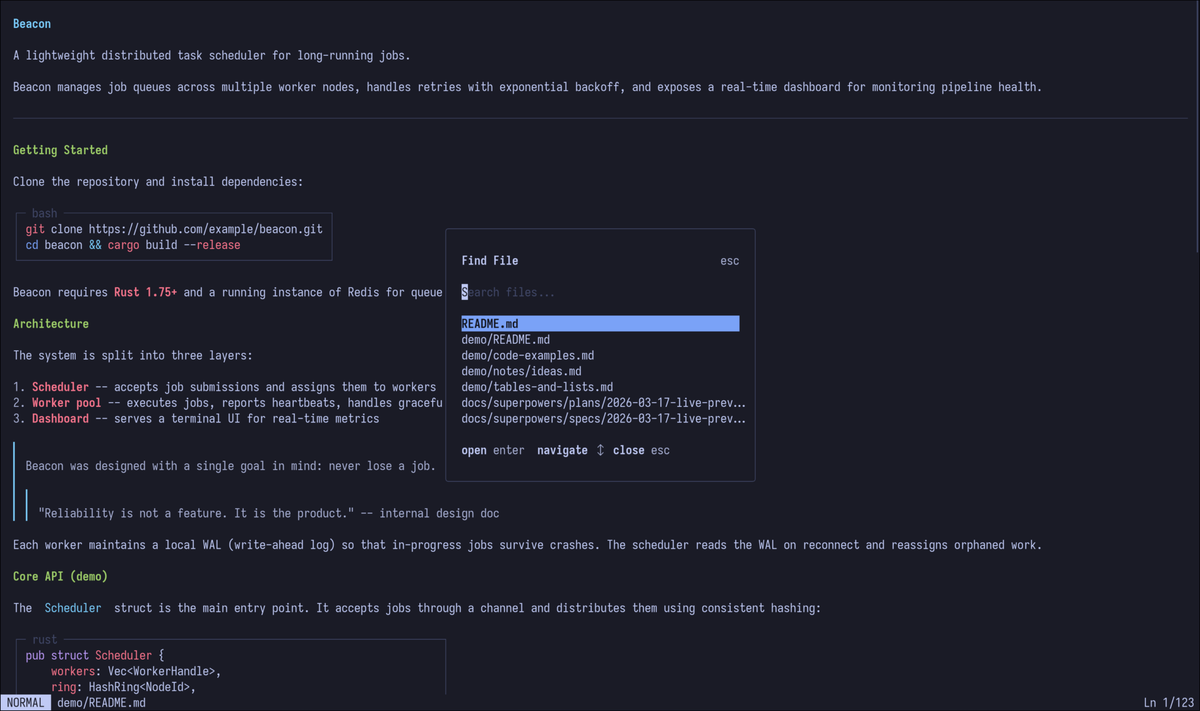
cargo install mdtui Explore your project with a built-in file tree browser and jump to any file instantly with the integrated fuzzy finder. Create, rename, and delete files without leaving the terminal.
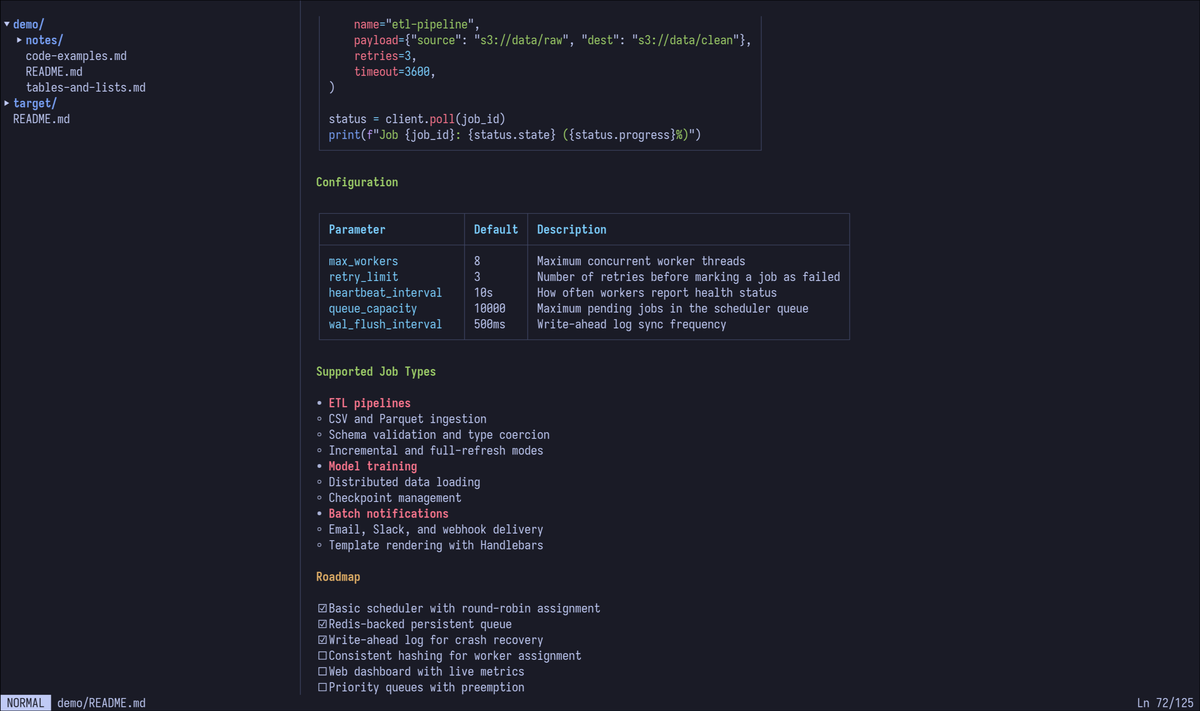
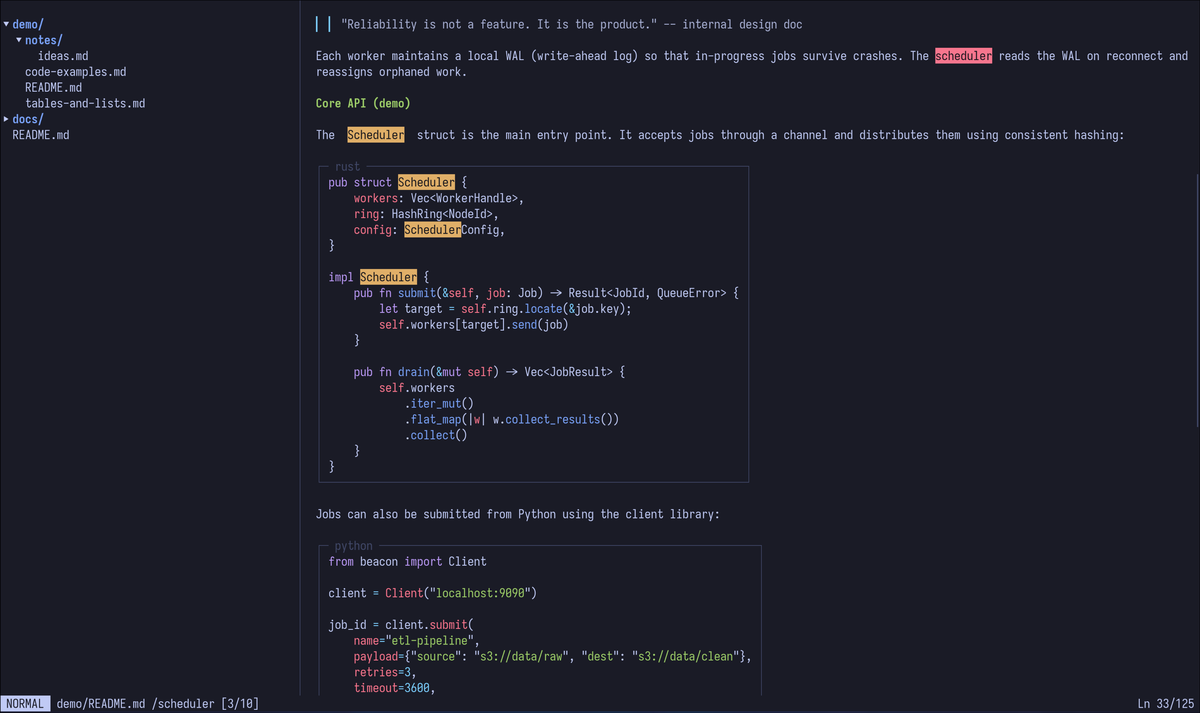
Syntax highlighting for fenced code blocks, properly formatted tables, blockquotes, lists, and headings — all rendered beautifully right in your terminal with full color support.
Edit markdown with familiar vim keybindings. Switch between normal and insert modes, use motions and text objects, and save or quit with the commands you already know.
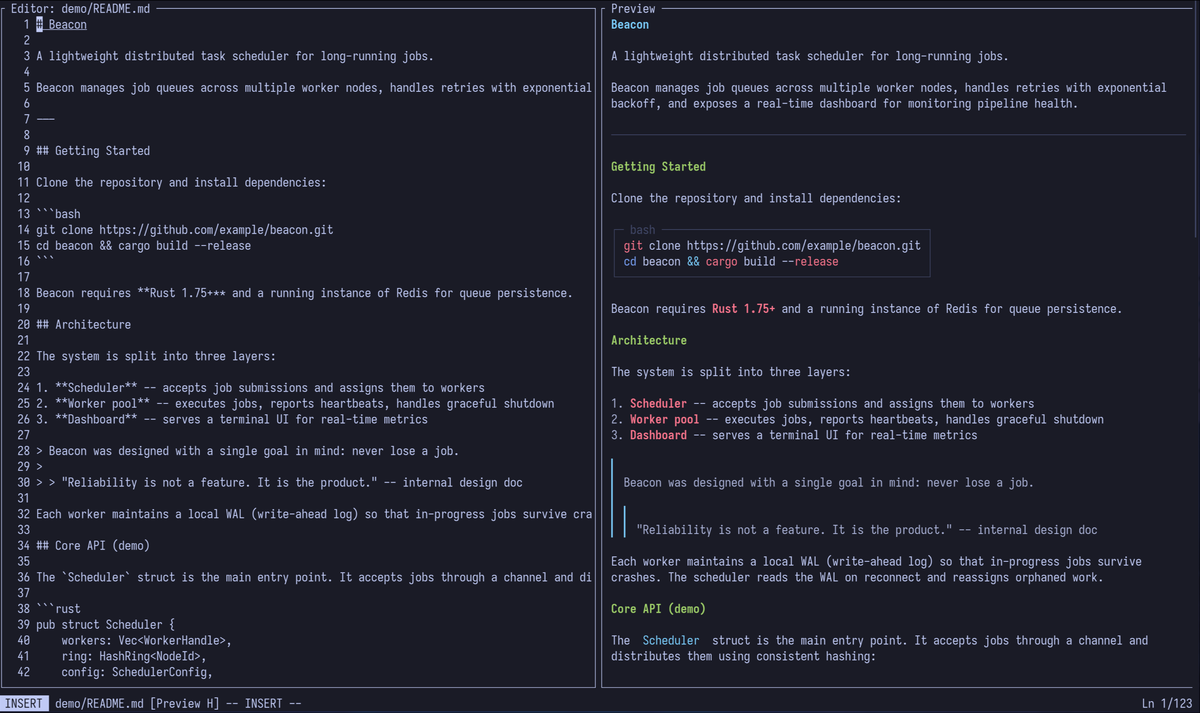
Real-time split-pane preview that updates as you edit. Debounced rendering keeps everything smooth, and parallel scroll keeps your preview in sync with your cursor position.