Editor
mdt includes a built-in text editor with vim-style keybindings, so you can view and edit markdown without leaving the terminal.
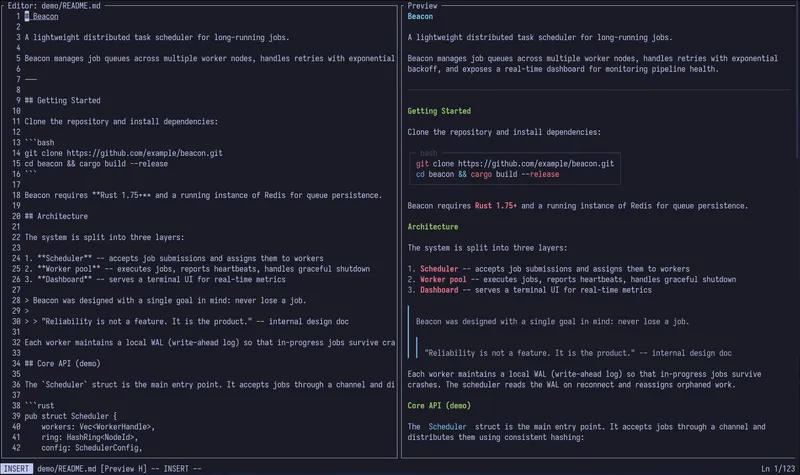
The editor has two modes:
- Normal mode — the default. Use navigation keys to move around and commands to perform actions.
- Insert mode — text you type is inserted into the document. Press
ioreto enter insert mode, andEscto return to normal mode.
The current mode is displayed in the editor status bar.
Commands
Section titled “Commands”mdt supports the following ex-style commands, entered by typing : in normal mode:
| Command | Action |
|---|---|
:w | Save the current file |
:wq / :x | Save the current file and quit |
:q | Quit (displays a warning if there are unsaved changes) |
:q! | Force quit, discarding unsaved changes |
:e / :edit | Reload the file from disk |
Dirty-file tracking
Section titled “Dirty-file tracking”mdt tracks whether a file has been modified since it was last saved. If you try to quit with :q while there are unsaved changes, mdt warns you and prevents the quit. Use :wq to save and quit, or :q! to discard changes.
The dirty state is visible in the editor interface, so you always know whether your file has unsaved changes.
File locking
Section titled “File locking”mdt uses advisory file locking to prevent conflicts when multiple instances try to edit the same file. If another instance of mdt already has a file open, you will be warned about the potential conflict.